How to Use the Eggcellent Chrome Extension: Youtube Cooking Video to Easy to Follow Recipe
 By Eggcelllent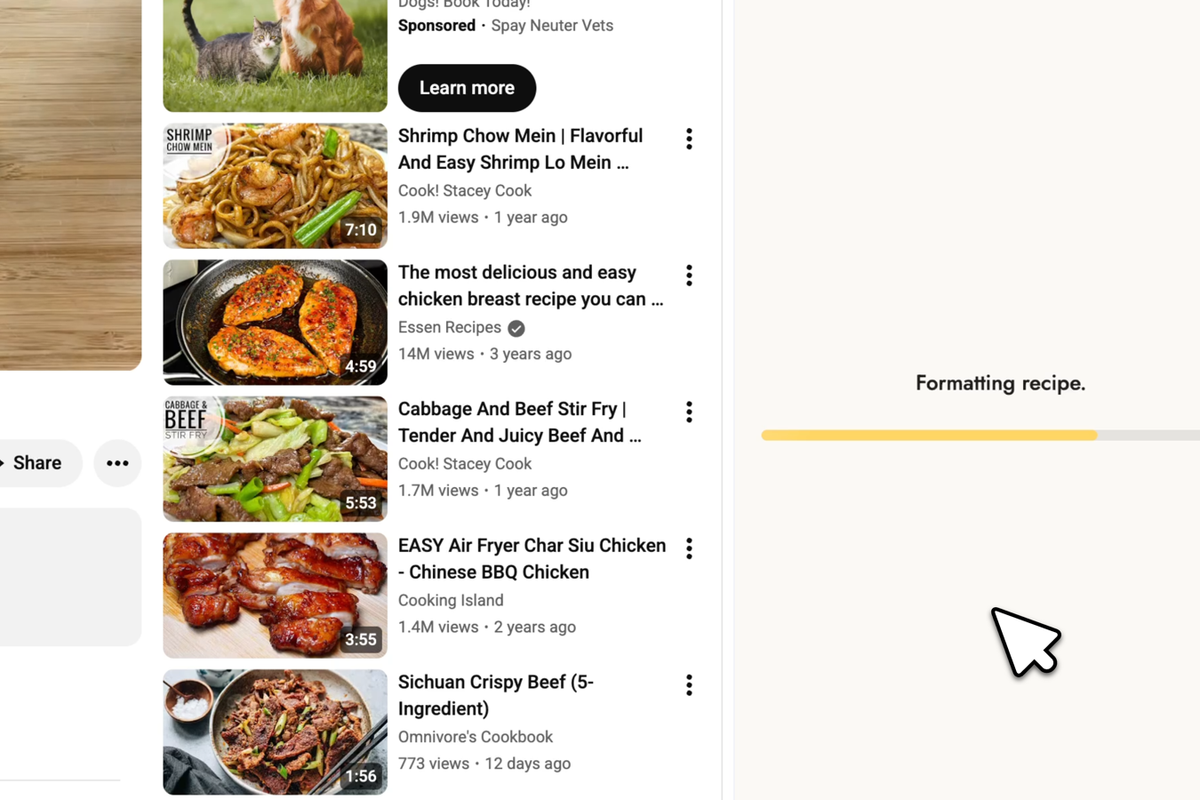
Love watching YouTube cooking videos but hate pausing every few seconds to write down ingredients? The Eggcellent Chrome extension turns any cooking video into a clean, organized recipe—instantly. No more scribbling notes or rewinding to catch measurements.
In this guide, you'll learn how to install and use the Eggcellent recipe saver to build your own digital cookbook from your favorite YouTube cooking videos.
What is the Eggcellent Chrome Extension?
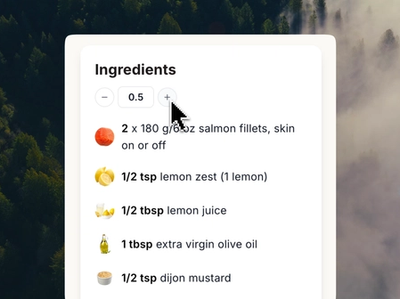
Eggcellent is a recipe chrome extension that extracts recipes directly from YouTube cooking videos. Simply click the extension while watching any cooking video, and our AI analyzes the content to generate:
- A complete ingredient list with exact measurements
- Step-by-step instructions in logical order
- A printable recipe card you can take to the kitchen
- Editable fields so you can customize and save recipes
Think of it as your personal recipe manager app that works directly in your browser—no copying, pasting, or manual transcription required.
How to Install Eggcellent
Getting started with the Eggcellent recipe saver takes less than a minute:
Step 1: Visit the Eggcellent Chrome Web Store
Step 2: Click "Add to Chrome" and confirm the installation
Step 3: Pin the extension to your toolbar for easy access (click the puzzle icon → pin Eggcellent)
How to Extract a Recipe from YouTube (3 Simple Steps)
Once installed, converting video to recipe format is incredibly simple:
Step 1: Find a Cooking Video
Navigate to any YouTube cooking video you want to save. Eggcellent works with videos of any length—from quick 2-minute tutorials to full 30-minute cooking shows.
Pro tip: The extension works best with videos where the creator verbally mentions ingredients and steps. Most popular cooking channels like Tasty, Bon Appétit, Joshua Weissman, and home cooks all work great.
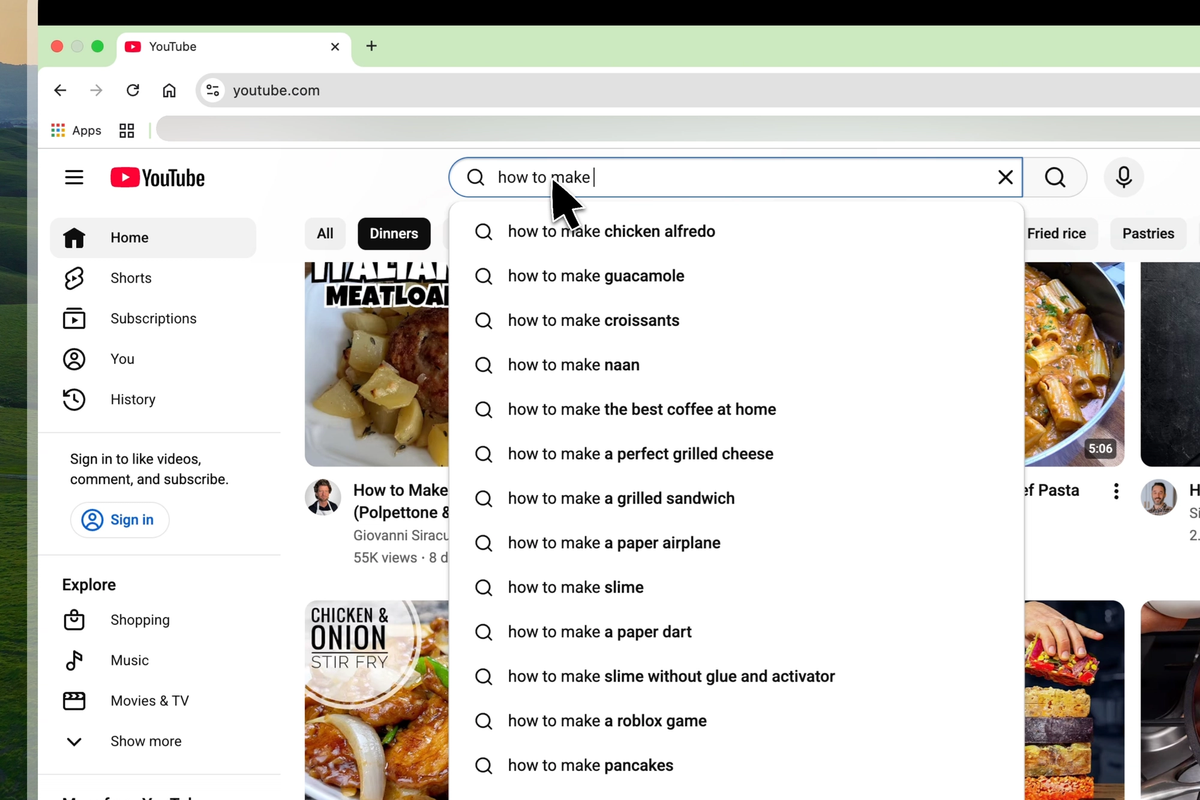
Step 2: Open the Extension
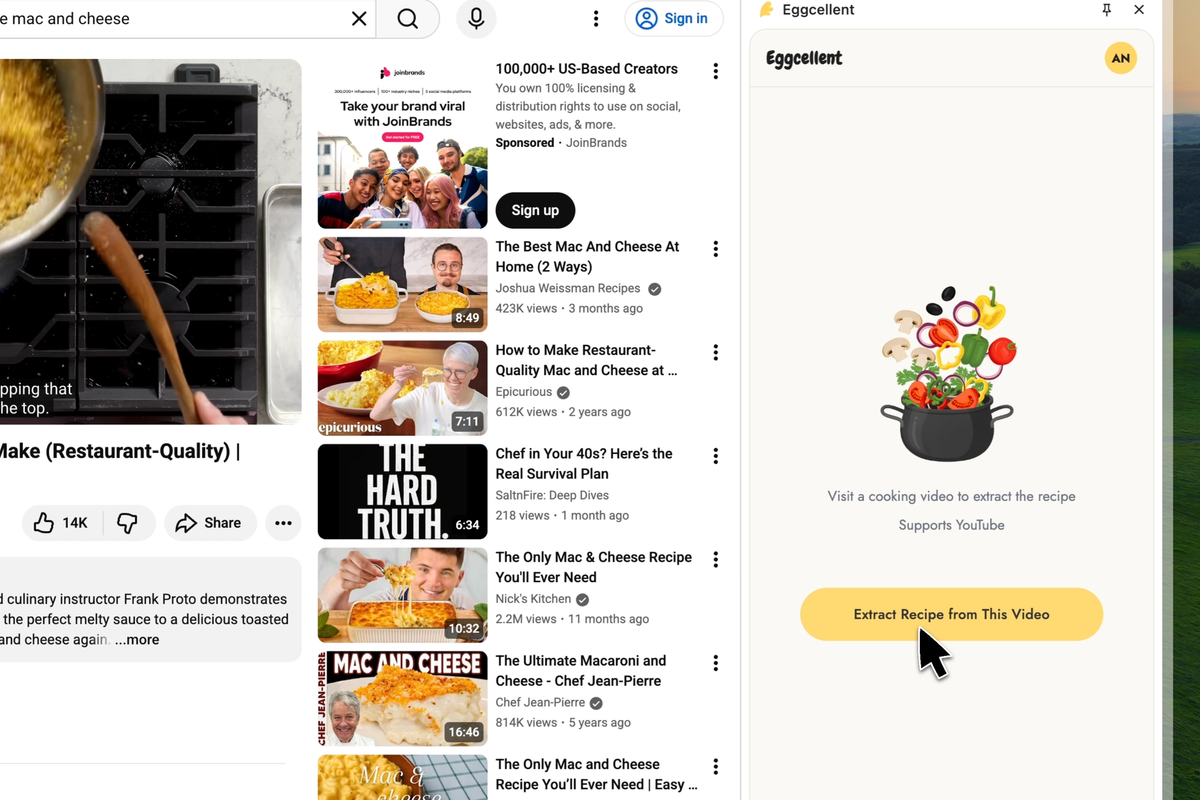
Click the Eggcellent extension icon in your browser toolbar.
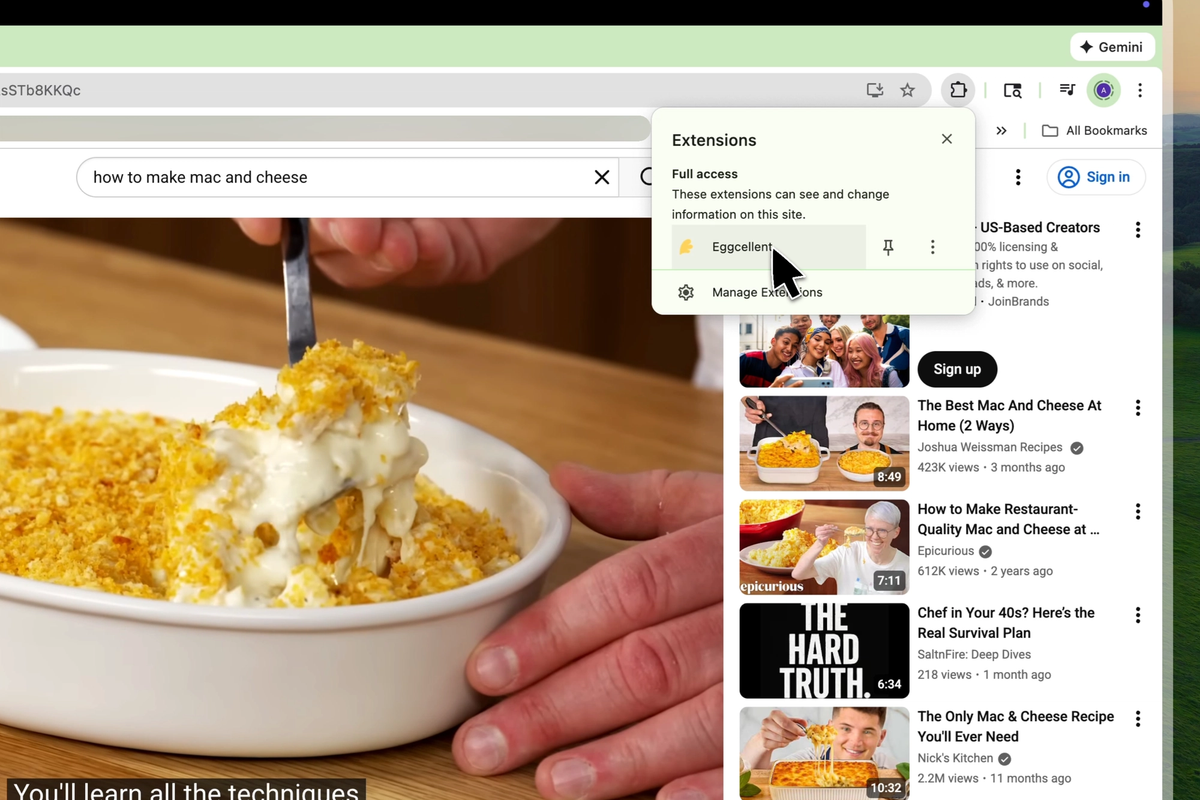
Step 3: Extract Recipe
Click "Extract Recipe" and our AI will format it for you instantly.
Why Use a Recipe Chrome Extension?
If you've ever tried to cook along with YouTube cooking videos, you know the struggle:
The Problem:
- Constantly pausing and rewinding to catch ingredients
- Scribbling messy notes while trying to watch
- Missing key steps because ads interrupted at the wrong moment
- No way to save or organize recipes you discover
- Can't easily scale recipes or make substitutions
The Solution: Eggcellent solves all of this by giving you a clean recipe you can actually cook from. Your digital cookbook grows every time you find a new video worth saving.
Build Your Digital Cookbook
The real power of Eggcellent isn't just extracting one recipe—it's building a personalized digital cookbook over time.
Every time you stumble across an amazing recipe video, you can save it in seconds. Over weeks and months, you'll build a collection of:
- Weeknight dinner ideas
- Holiday favorites
- Baking projects
- Meal prep recipes
- Recipes from creators you love
All organized, searchable, and ready to cook whenever you need inspiration.
Frequently Asked Questions
Does Eggcellent work with all YouTube videos? Eggcellent is optimized for cooking and recipe videos. It works with any video where ingredients and cooking steps are mentioned.
Is the Chrome extension free? Yes, you can start extracting recipes for free. Check eggcellent.io for current plan details and features.
Can I edit recipes after extraction? Absolutely. Every extracted recipe is fully editable—change measurements, add notes, remove ingredients, or adjust steps to match your preferences.
Does it work with TikTok or Instagram videos? Currently, Eggcellent is optimized for YouTube cooking videos. Support for other platforms may be added in the future.
How accurate are the extracted recipes? Very accurate for most videos, but we always recommend a quick review before cooking—especially for baking where precise measurements matter.
Start Saving Recipes Today
Ready to stop scribbling notes and start building your digital cookbook?
Install Eggcellent for Chrome →
Turn any YouTube cooking video into a printable recipe in seconds. Your future self (standing in the kitchen, trying to remember that amazing pasta recipe) will thank you.
Ready to extract your first recipe?
Try Eggcellent today and turn YouTube cooking videos into formatted recipes in seconds.
Get Started FreeRelated Articles
How to Use Eggcellent's Meal Planner to Organize Your Weekly Cooking

Meal Planning 101: A Beginner's Guide to Stress-Free Weekly Cooking
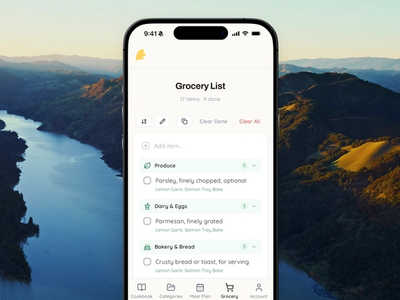
Smart Grocery List: How Aisle Mode Auto-Merges Your Ingredients